Choose your download
1 file availableThese are the Stable files for your Parcel Simulator branch. The recommended main file is shown first; optional language and alternate files follow beneath it.
Stable1 download
NoOvertime
Uploaded 26d ago · Size: 13 KB · Version: 2.0.0
Also available for Staging. Switch to Staging to download it.
About this mod
⏱️ No more infinite overtime work!
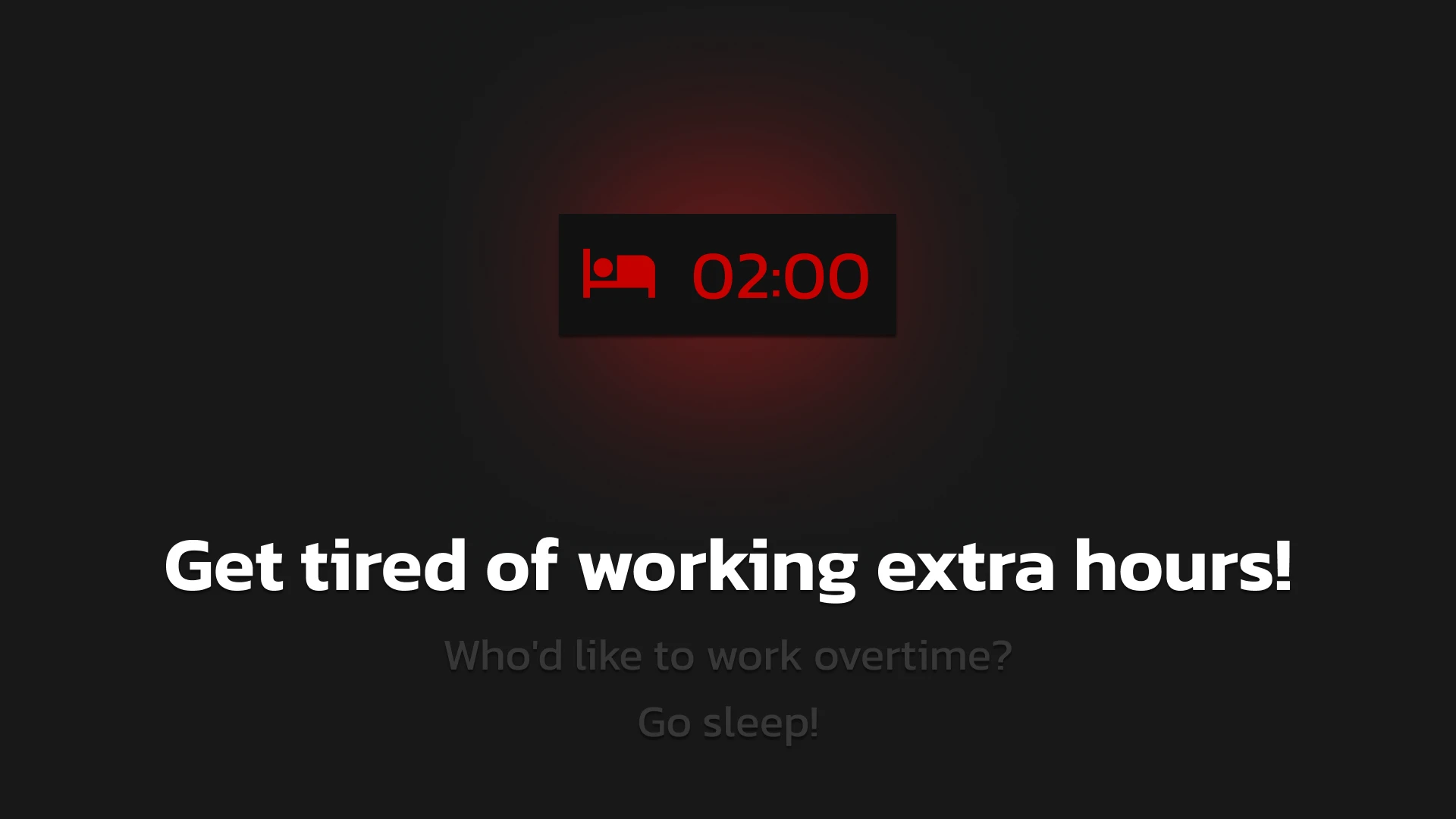
NoOvertime mod forces you to go to sleep after the shift ends.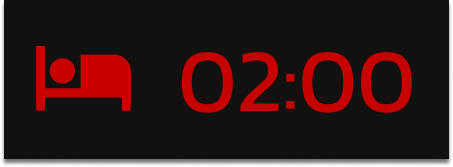
This timer appears at end of the day

And forces you to sleep when it reaches 00:00.
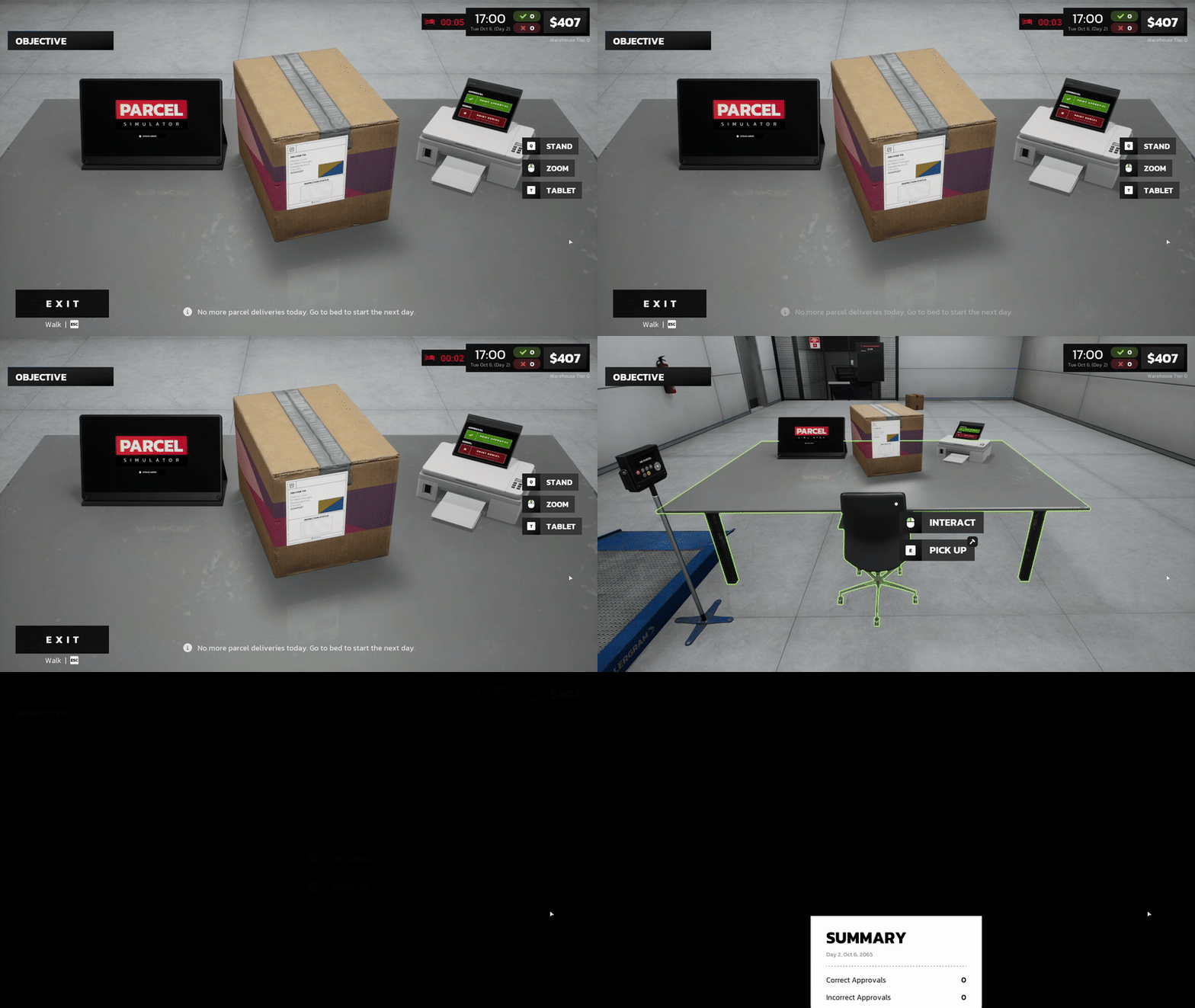
⚙️ Configure a custom overtime duration
Once you installed the mod you can modify the overtime duration: 1. Find the config.lua file in: steamapps\common\Parcel Simulator\parcel\Binaries\Win64\ue4ss\Mods\NoOvertime\Scripts 2. Open it and modify the OvertimeSeconds value to the duration in seconds you want. 3. Don't forget to save the file after editing. For example, if you want to have 5 minutes before the day ends write this:OvertimeSeconds = 300

Screenshots
Changelog
v2.0.0 : UE 5.7.4 upgrade
Versions
Stable
v2.0.0
Current
v1.0.0